
Amplitude Agents 101: How They Work + 20 Prompts to Try - Issue 310
A practical guide to Amplitude MCP, global and specialized agents, and the prompts that make them more useful.

As many readers asked for it, this edition continues my AI series with a closer look at Amplitude AI.
It’s good timing, too - Amplitude has announced its 2026 AI Impact Awards. But I have wanted to break down Amplitude AI for a while now.
For me, Amplitude AI is helpful about 40% of the time I use it. Only about 10% of the time does it work really well - saving me time or surfacing something I had not thought of before. And that is with a good event setup designed to make analytics actionable. For most teams, I assume it is probably even less useful.
Still, imperfect AI support inside Amplitude is better than having no AI support at all.
Today, I want to break down Amplitude AI and share the workflows I use - both to show where it helps and to give you ideas for your own work. I’ll share 20 proven prompts that will save you time and will help you get more done.
Getting started with Amplitude AI
Amplitude MCP
Amplitude now has several AI products, from simple tools you can use right away to more advanced ones that require integrations.
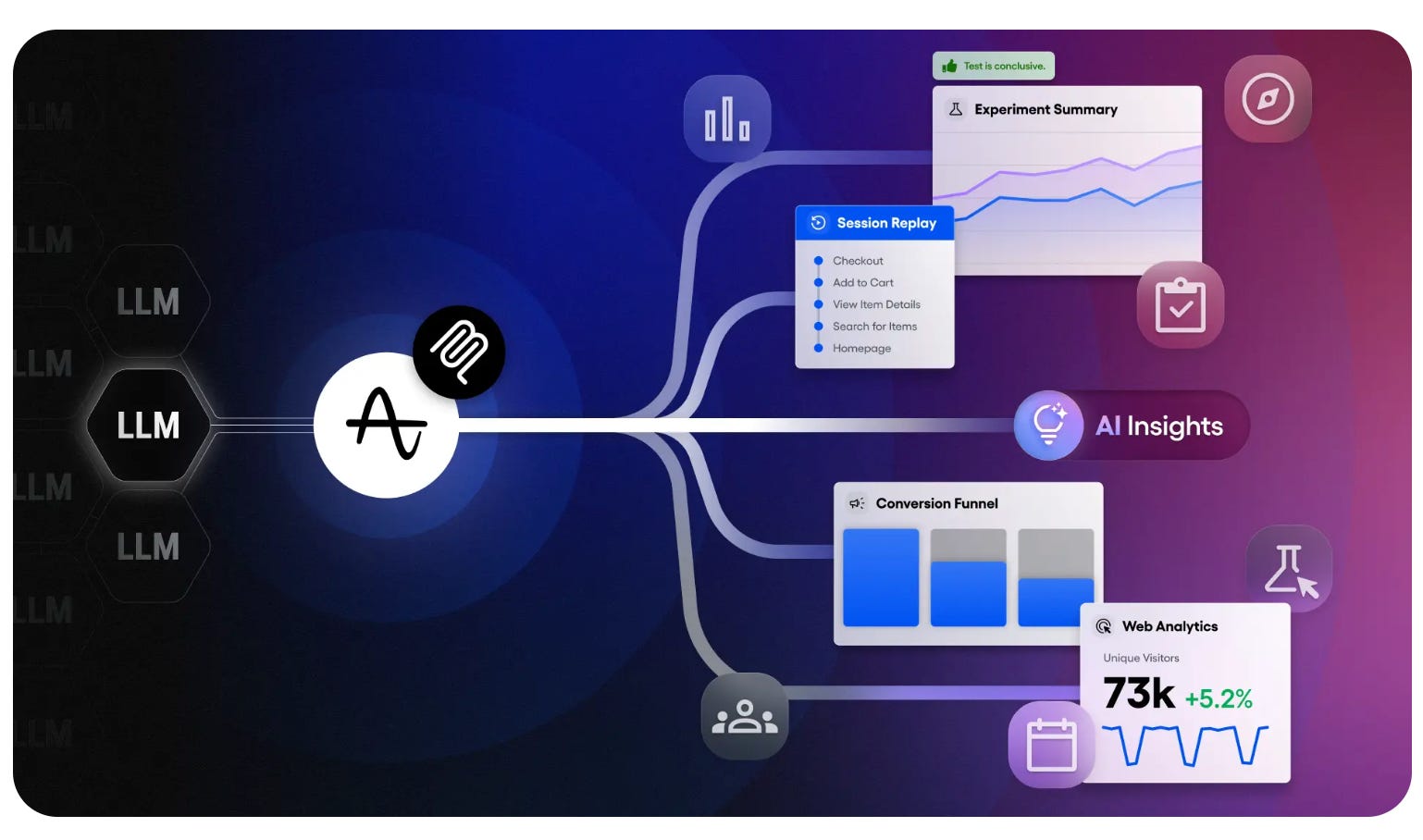
If I’m not mistaken, Amplitude was one of the first digital analytics tools to launch an MCP server. It brings your product data and context into AI tools like Claude, Cursor, or any other MCP client. This lets you query dashboards, pull insights, and take action inside your existing workflows.
By default, if you have an Amplitude account, you likely already have access to MCP. You usually do not need to upgrade or do anything extra, unless your admins disabled it for your organization (and there may be valid reasons for that).
I’ll do a deeper dive on MCP later, so I do not derail the main topic, but if you want to explore it now, here are the steps to connect it.
Global agent
Have you noticed the floating action button in the lower-right corner of the screen? That is not just a chatbot (anymore). It is Amplitude’s Global Agent (but used to be a chatbot).
As Amplitude describes it, it helps you understand your product data in context, generate insights and explanations, and take action by carrying out complex multi-step workflows.
You can think of it as a chatbot on steroids, but its purpose is very different.
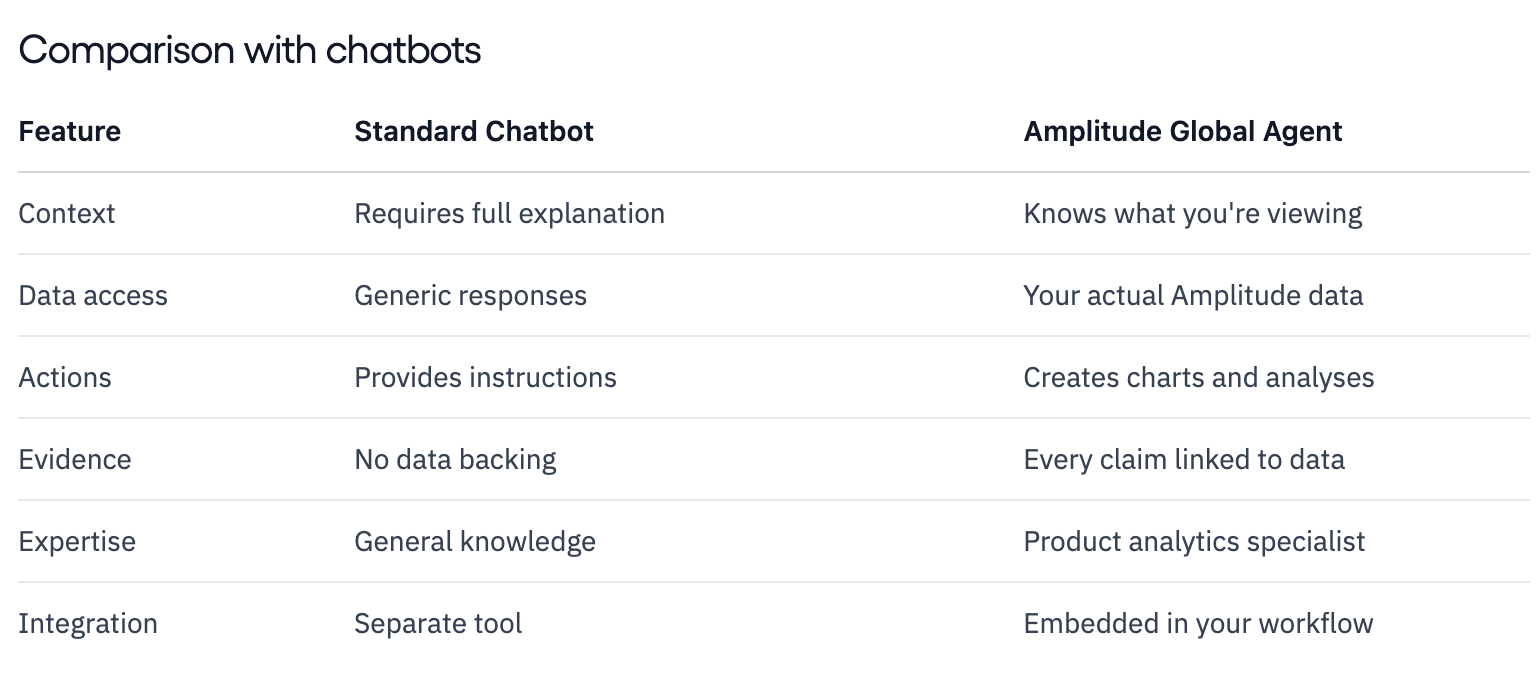
The earlier chatbot was simple and limited. That may be why many people still ignore this feature. But this is now an agent, and it can be powerful. It is worth trying.
One downside is that it can be slow, although that depends on the task and your event volume and setup. Another thing to keep in mind: if your Amplitude account is new, give it some time. In my experience, it works best when your account already has enough reporting history, charts, and dashboards. With newer accounts, it still needs time to learn your data and context.
Specialized agent
In addition to the floating Global Agent, Amplitude has also launched several specialized agents. There are 4 right now. These are purpose-built agents that focus on one domain or workflow:
